Phone Cleaner
Email cleanerUnsubscribe from Gmail
Unsubscribe from Gmail
newsletters in bulk.
Short answer
Connect Gmail and Phone Cleaner lists every sender by how many emails they send. Select senders to unsubscribe and move their emails to Trash in one go. It also flags emails that may be fake. Mail is read on your iPhone, never on our servers.
Download on theApp StoreFree trial · iPhone, iPhone Duo and iPad · iOS and iPadOS 18 or later

Moved to Trash
679
How to clean up
your Gmail inbox
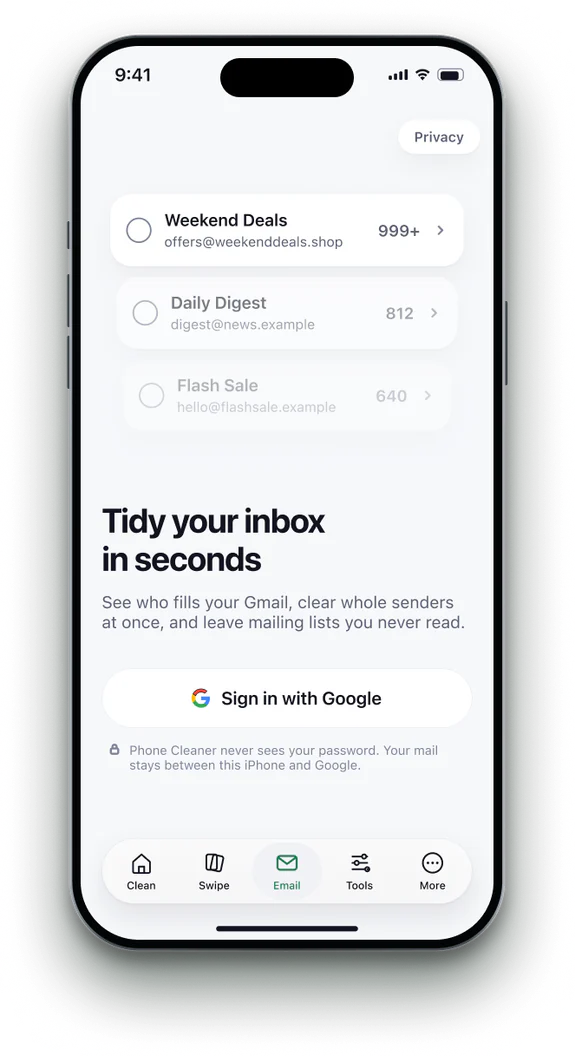 1Connect Gmail
Sign in with Google. Phone Cleaner asks only for what it needs.
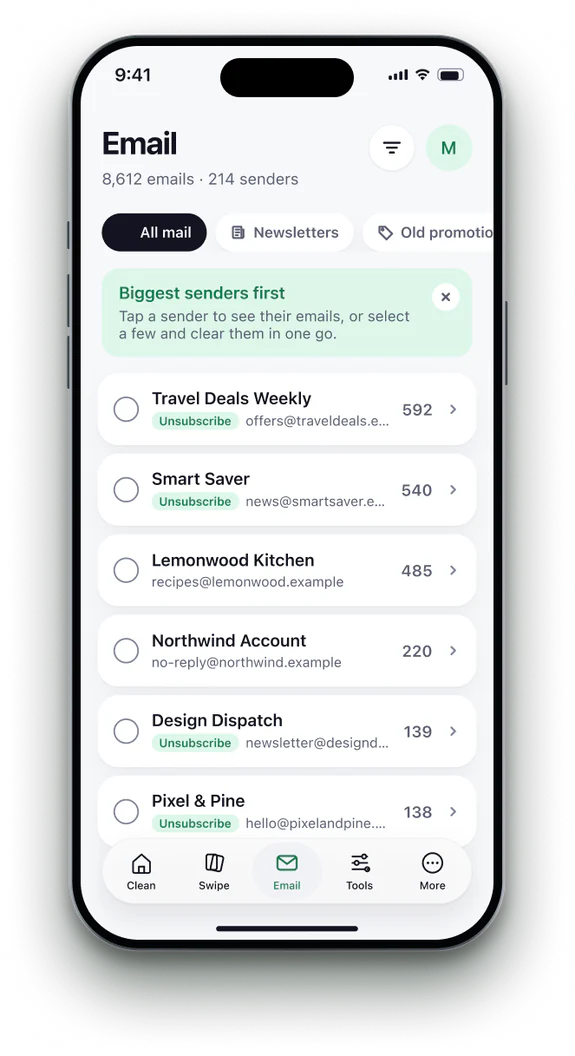 2See who fills it
Senders are sorted by how many emails they sent, most first.
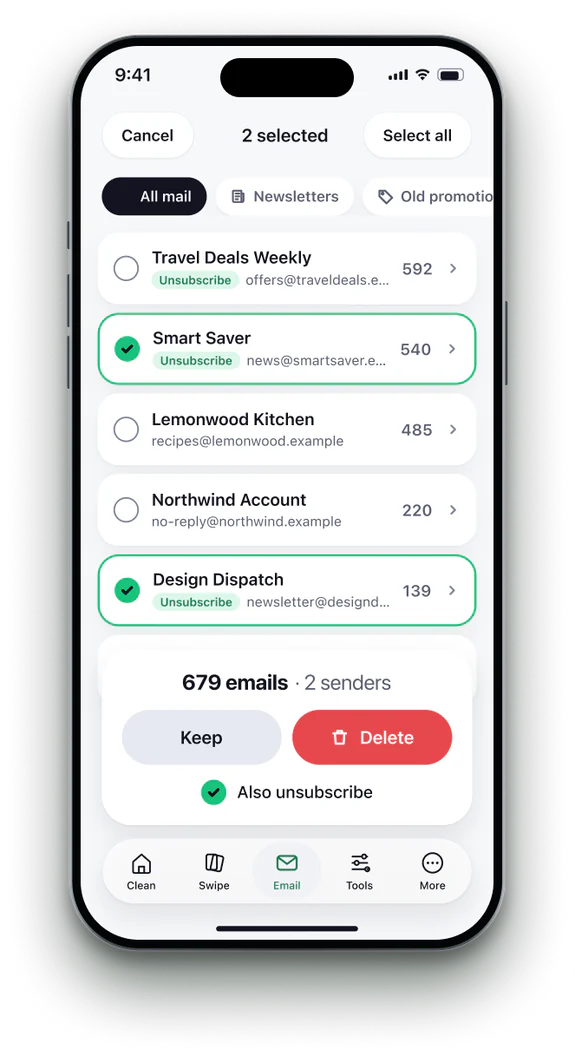 3Select senders
Pick the newsletters and shops you are done with.
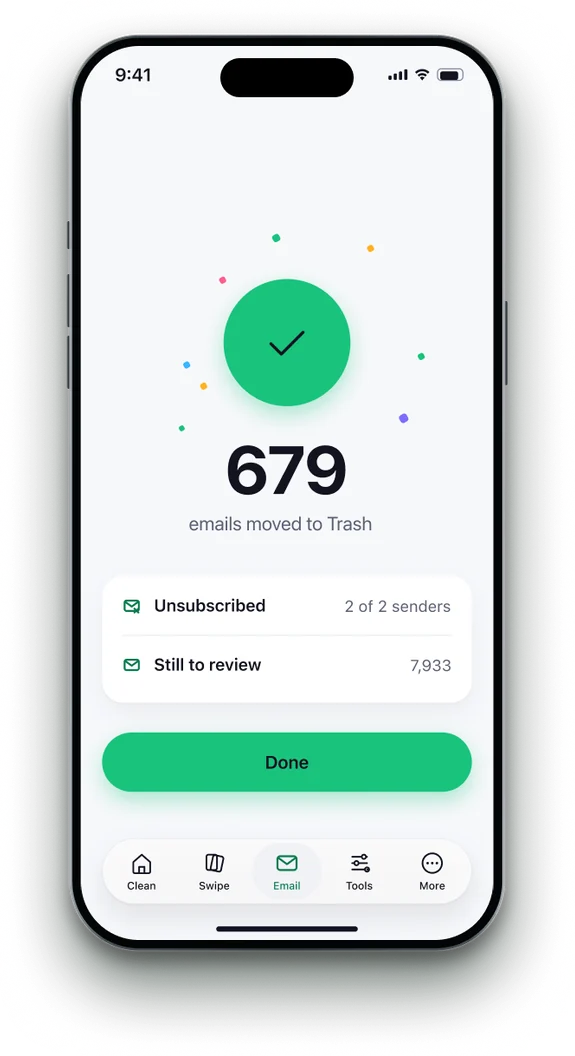 4Unsubscribe and trash
One tap unsubscribes and moves their emails to Gmail Trash.


Phone Cleaner in brief
- Made for
- iPhone with iOS 18 or later, iPhone Duo, and iPad with iPadOS 18 or later
- Privacy
- Runs on device. No account; photos, contacts and emails never uploaded
- Deleting
- Removed items stay 30 days in Recently Deleted
- Languages
- 20 — English plus 19 translations
- Price
- Free trial, then a subscription in the app
- Made by
- iHux
Questions about email cleaner
Which email accounts work?
Gmail, through Google's own sign-in.
Is deleting permanent?
Emails go to Gmail Trash, where they stay for 30 days.
Does unsubscribing always work?
Senders that support one-click unsubscribe stop. A few may not honour it.
Can you read my email?
No. Messages are read on your iPhone; nothing passes through our servers.