Phone Cleaner
Lock photos on iPhone
behind your own PIN.
Phone Cleaner's vault keeps private photos and videos encrypted with AES-256 on your iPhone, behind a PIN and Face ID. Import photos from your library, or capture straight into the vault. Its contents are never uploaded.

How to hide photos
on iPhone
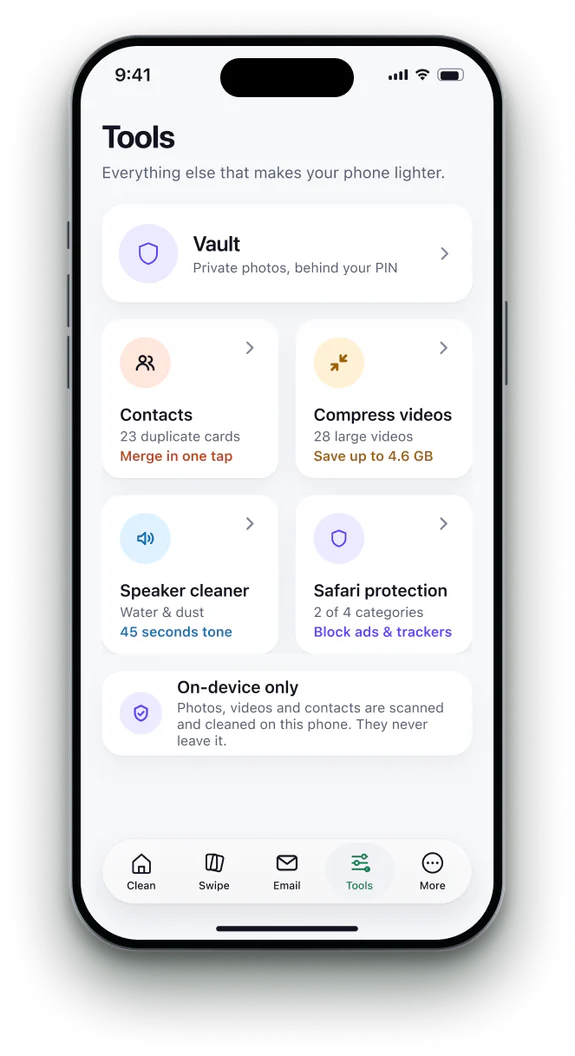 1Open the Vault
Find it on the Tools tab.
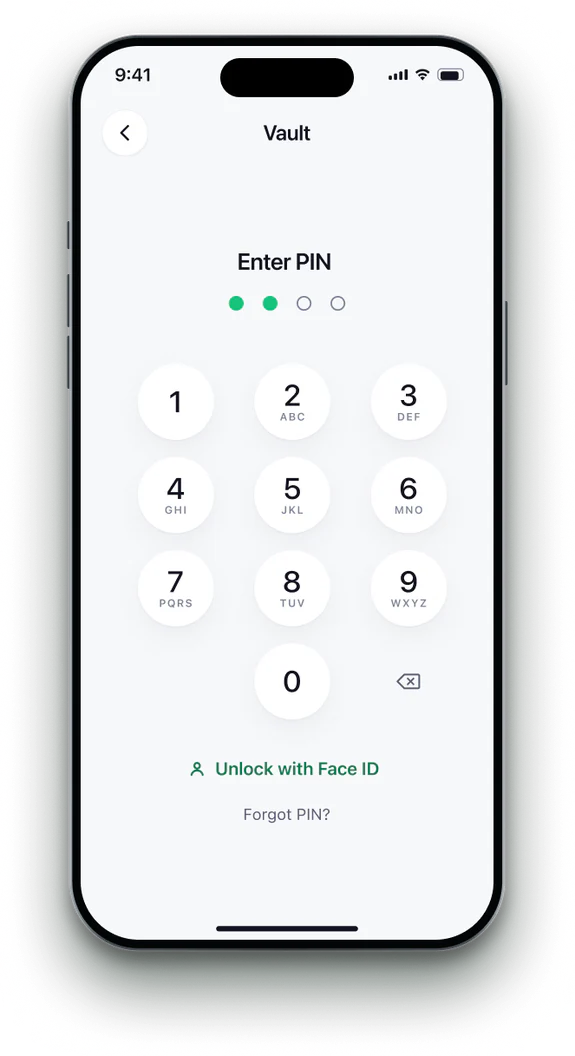
 2Set a PIN
Add Face ID too, for a quicker way in.
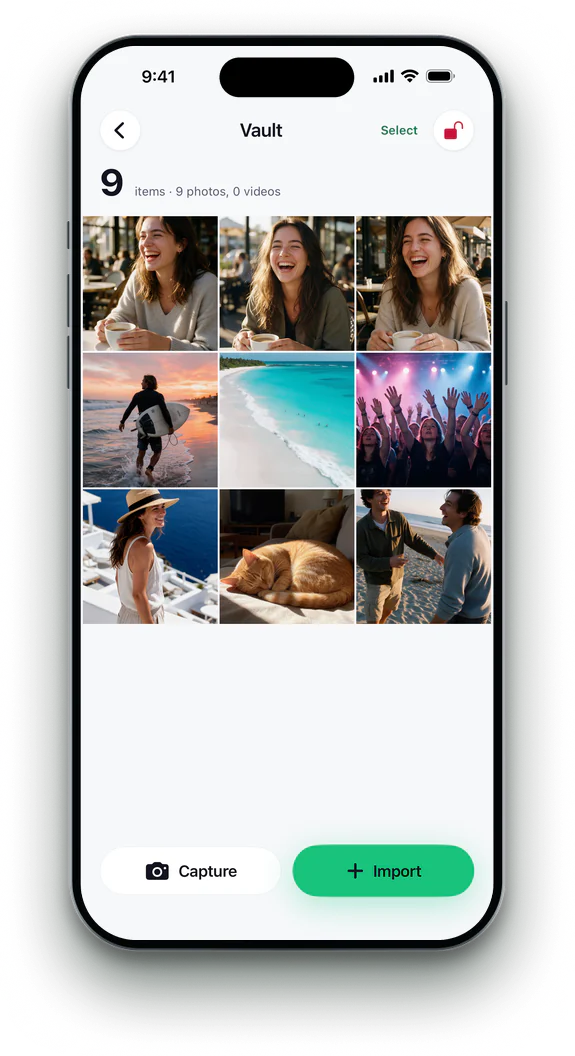
- 3Import or capture
Import photos from your library, or take new ones inside the vault.
 4Leave it locked
The vault locks itself as soon as you leave it.


The Hidden album,
and what it leaves.
| Feature | Photos › Hidden | Phone Cleaner |
|---|---|---|
| Locked with Face ID | ✓yes | ✓yes |
| A PIN of its own | —no | ✓yes |
| Can be taken out of your library | —no | ✓yes |
| Encrypted by the app | —no | ✓yes |
| Capture straight into it | —no | ✓yes |
Photos: Utilities › Hidden, locked with Face ID or your passcode (iOS 16 and later; on iOS 26 or later, under Collections).
Phone Cleaner in brief
- Made for
- iPhone with iOS 18 or later, iPhone Duo, and iPad with iPadOS 18 or later
- Privacy
- Runs on device. No account; photos, contacts and emails never uploaded
- Deleting
- Removed items stay 30 days in Recently Deleted
- Languages
- 20 — English plus 19 translations
- Price
- Free trial, then a subscription in the app
- Made by
- iHux
Questions about photo vault
Is the vault encrypted?
Yes. Photos and videos are sealed with AES-256 on your iPhone.
Do imported photos leave my library?
Only if you turn on Remove After Import in the app, under More › Settings. Otherwise the original stays in Photos and the vault holds a copy.
Can I take photos straight into it?
Yes. Capture opens the camera inside the vault.
Is anything uploaded?
No. The vault exists only on your iPhone.