Phone Cleaner
Compress iPhone videos,
keep the moment.
Phone Cleaner is a video compressor for iPhone: it compresses the videos already on your iPhone. Pick one of three quality levels, select videos — largest first — and start. On iOS 26 or later it keeps running after you leave the app, and you can keep the originals.

How to compress
videos on iPhone
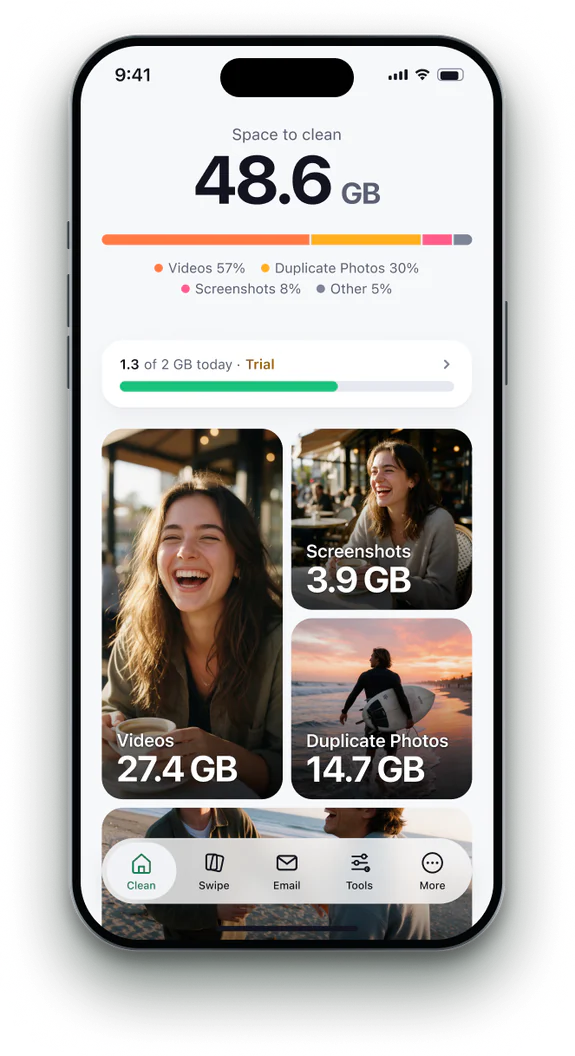 1Open Videos
Videos are listed largest first, with their size.
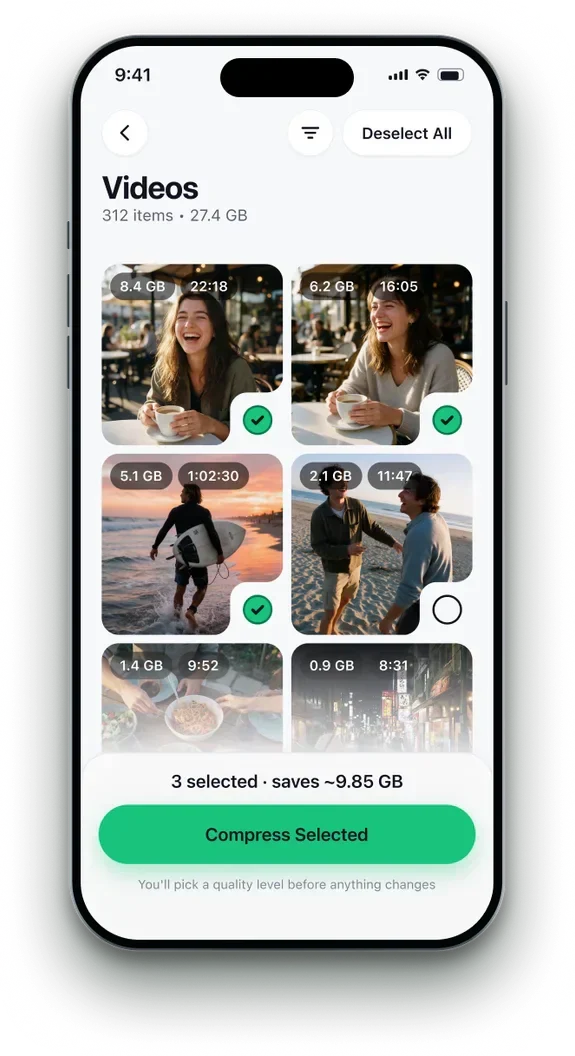 2Select videos
Pick one or many. The total you will save updates as you go.
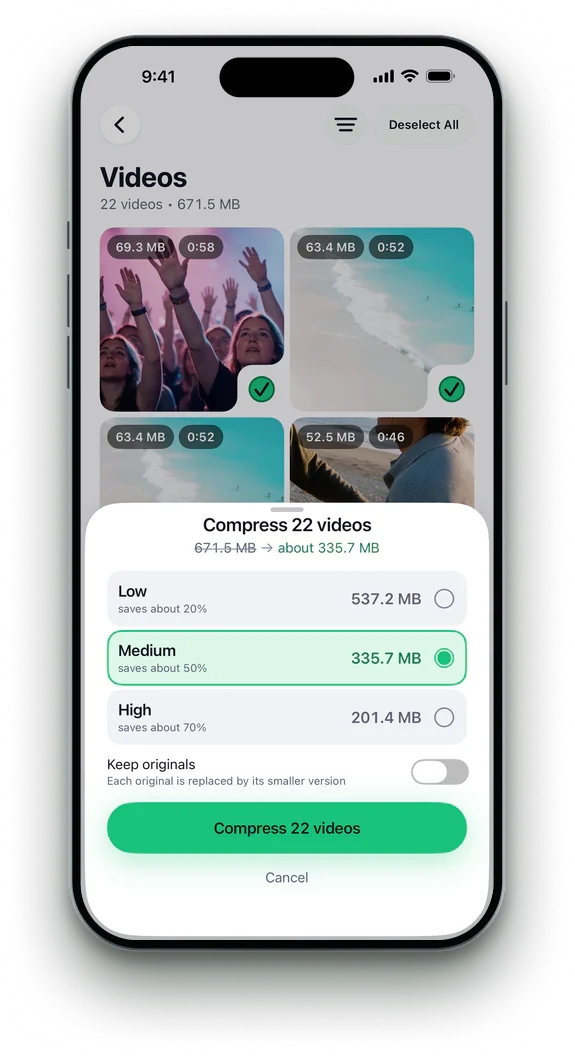 3Choose a level
Three levels, from barely-there to smallest. Keep originals if you like.
- 4Start the run
On iOS 26 or later it keeps going after you leave the app, with progress on the Lock Screen. On earlier iOS, keep the app open.


Phone Cleaner in brief
- Made for
- iPhone with iOS 18 or later, iPhone Duo, and iPad with iPadOS 18 or later
- Privacy
- Runs on device. No account; photos, contacts and emails never uploaded
- Deleting
- Removed items stay 30 days in Recently Deleted
- Languages
- 20 — English plus 19 translations
- Price
- Free trial, then a subscription in the app
- Made by
- iHux
Questions about compress videos
Will the quality drop?
You choose the level. The gentlest one is hard to tell apart from the original.
Can I keep the originals?
Yes. Turn on Keep originals before you start.
Does it work with videos in iCloud?
Yes. iOS downloads each original first; if a download stalls, the video waits until you open the app.
Can I leave the app?
On iOS 26 or later, yes: it keeps going, with progress on the Lock Screen. On earlier iOS, keep the app open; a paused run waits for you to tap Continue.