Phone Cleaner
Merge duplicate
contacts on iPhone.
Phone Cleaner finds contacts that are the same person — the same name or the same phone number — and merges each set into one card that keeps every phone number and email. A snapshot of your contacts is saved first — Automatic Backup is on unless you turn it off — so you can restore them if anything looks wrong.

How to merge
duplicate contacts
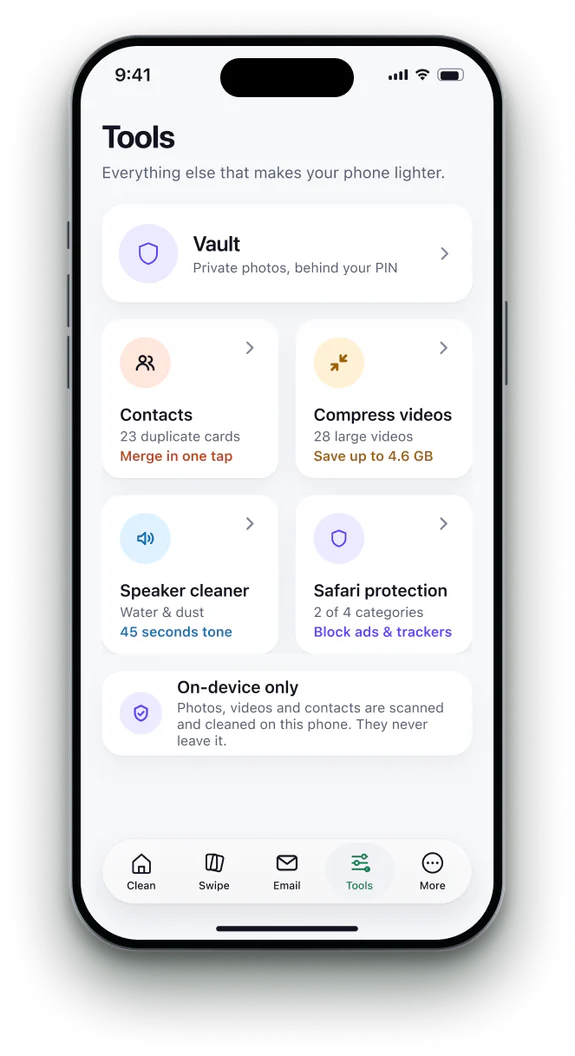 1Open Contacts
Find it on the Tools tab and allow access.
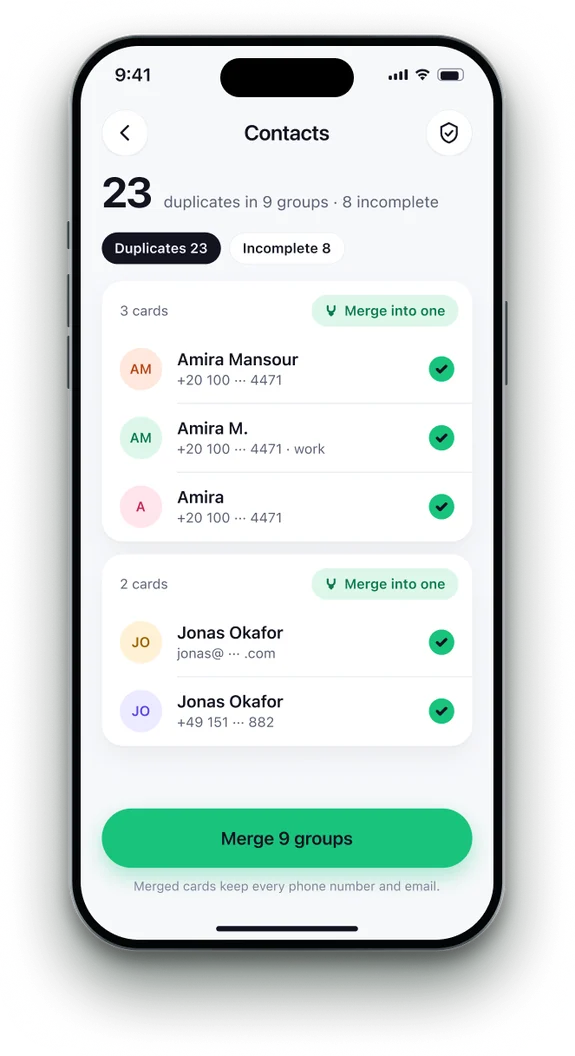 2Review each set
Cards that look like the same person are grouped.
- 3Merge
Merge one set or all of them. A snapshot is saved first, unless you turned Automatic Backup off.
- 4Restore any time
A snapshot brings contacts back; you can also export a copy.

The Contacts app,
and what it leaves.
| Feature | Contacts app | Phone Cleaner |
|---|---|---|
| Finds exact duplicates | ✓yes | ✓yes |
| A backup before merging | —no | ✓yes |
| Restore an earlier snapshot | —no | ✓yes |
| Export a copy | —no | ✓yes |
Contacts app: View Duplicates appears below My Card, at the top of your contact list, when it has found cards with the same first and last name (iOS 18 and later).
Phone Cleaner in brief
- Made for
- iPhone with iOS 18 or later, iPhone Duo, and iPad with iPadOS 18 or later
- Privacy
- Runs on device. No account; photos, contacts and emails never uploaded
- Deleting
- Removed items stay 30 days in Recently Deleted
- Languages
- 20 — English plus 19 translations
- Price
- Free trial, then a subscription in the app
- Made by
- iHux
Questions about merge contacts
Is a backup taken?
Yes. Automatic Backup is on by default and saves a snapshot before a merge. You can turn it off in Contacts Backup.
Do merged contacts sync to iCloud?
Yes. A merge syncs like any other edit.
Can I undo a merge?
Restore a snapshot from Contacts Backup.
Is my address book uploaded?
No. Everything happens on your iPhone.